Did you ever wanted to use Convex in GitHub Codespaces and could not? It requires a few extra steps since Codespaces uses port forwarding. Here’s how to get it working.
Step 1: Start the Local Convex Server
Run the following command to start the Convex development server in local mode:
npx convex dev --local
Step 2: Retrieve the Admin Key
Open the forwarded port 6791 in your browser (click the “Open in Browser” option in Codespaces for that port). You’ll see a JSON response containing your deployment info:
{
  "deployments": [
    {
      "name": "anonymous-convex",
      "url": "http://127.0.0.1:3210",
      "adminKey": "anonymous-convex|01cfc1d36bXXXXX"
    }
  ]
}
Copy the adminKey value — you’ll need it later.
Step 3: Expose the Deployment Port
In the Codespaces Ports tab, find port 3210 and set its visibility to Public. Then open the forwarded URL in your browser. If everything is working, you should see:
This Convex deployment is running. See https://docs.convex.dev/.
Step 4: Access the Convex Dashboard
Open the forwarded port 6790 in your browser to access the Convex console. You’ll be prompted to enter:
- Deployment URL: The Codespaces URL for port 3210 (without a trailing slash), e.g.,
https://curly-potato-7v5gg57547hxx9w-3210.app.github.dev - Admin Key: The key you copied from Step 2
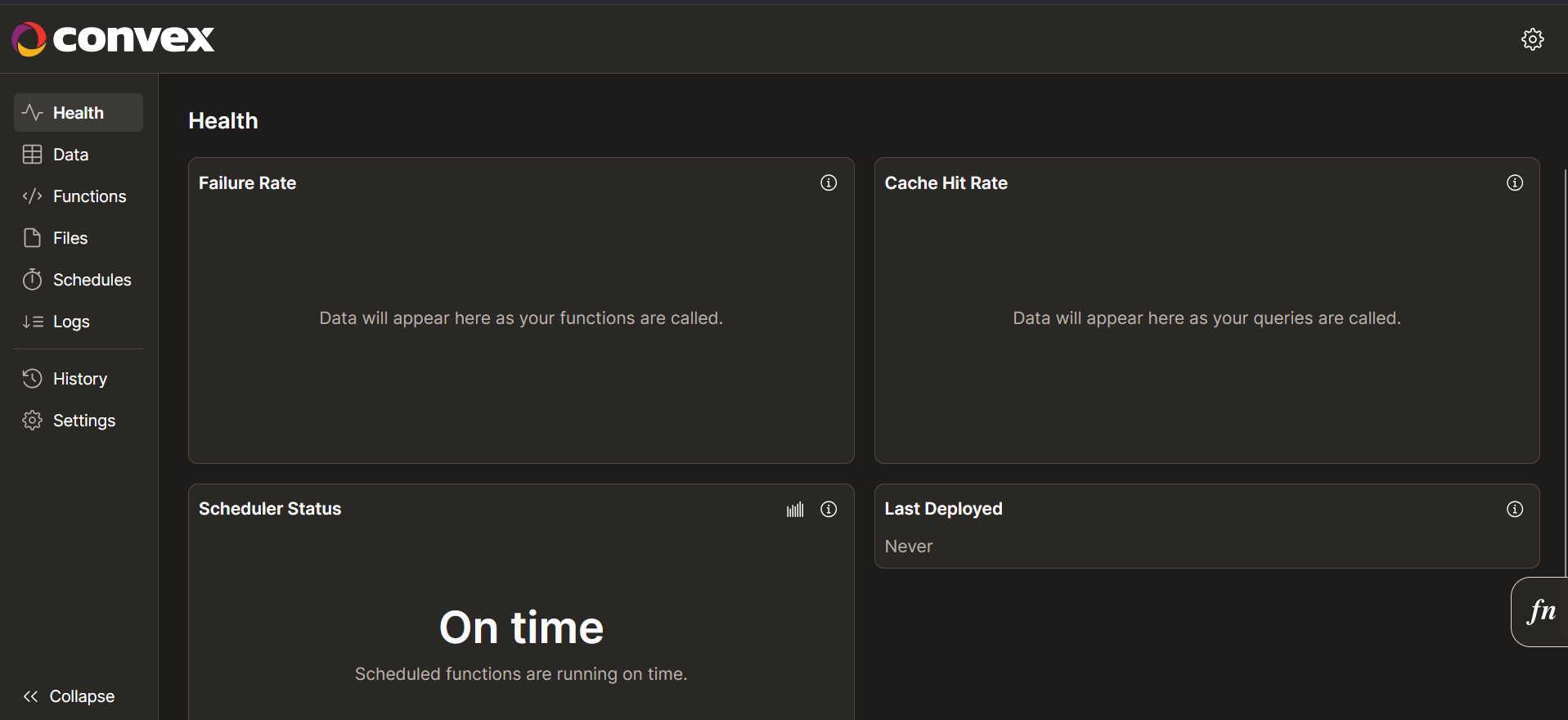
Once entered, the Convex dashboard will load, and you’re ready to start building!
And the convex dashboard will load now:
Summary
| Port | Purpose |
|---|---|
| 3210 | Convex backend deployment |
| 6790 | Convex dashboard/console |
| 6791 | Admin key endpoint |
That’s it! You now have a fully functional Convex development environment running in GitHub Codespaces.